Can I use my own artwork and audio in a visualizer?
Last updated: August 24, 2026
Yes — that is the point. Cascade is not a stock-visualizer mill. You upload the bounce and the picture that belongs to the release. Cascade edits those files into a reel. It does not generate a new instrumental or swap in generic cover art.
Audio
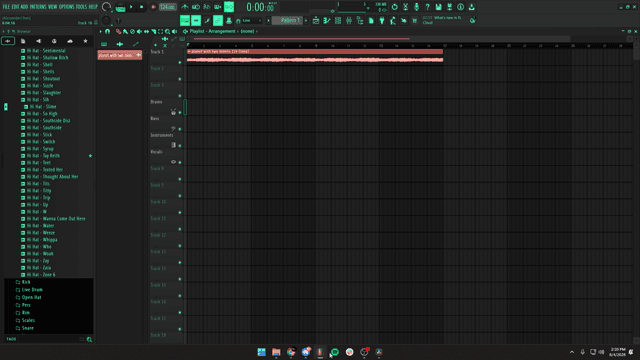
Bounce from your DAW the way you would send an engineer or video editor. The campaign is timed from that file. If the bounce is clipped, silent, or the wrong song, the visualizer will be wrong too.
Artwork and footage
- Cover art as JPG or PNG works for still-led visualizers.
- Session or performance video (MP4/MOV/WebM) works when you want motion.
- You must have the rights to post everything you upload — Cascade does not clear samples or licensed photos for you.
What Cascade refuses to pretend
It will not claim to “create your visuals” in the sense of replacing the artist. Creative DNA stores how you like to present work over time. Video style matching copies pacing and structure from a reference you choose, using your assets.
FAQ
Yes. You bring the beat, footage, and artwork. Cascade assembles those files into a reel. It does not generate your music or replace your art. You need the rights to everything you upload.
Upload the beat or track you want in the reel. Cascade analyzes it for beat-synced editing. Keep a clean export from your DAW — the same file you would send to a video editor.
No. You bring the beat, and your footage if you use it. Cascade cuts your clips into ready-to-post reels, or pairs your beat with a Portraits look. It does not replicate or replace your audio or art.
Audio for the beat, video or images for footage and artwork (including MP4, MOV, WebM, JPG, PNG, and WebP on upload), and MP4 on export. Campaigns are vertical 9:16 for Reels, Shorts, and TikTok.
A music visualizer is a video that moves with a track — waveform motion, cuts on the beat, or artwork that reacts to the audio. In Cascade, that’s either your own clips cut to the beat, or a Portraits look that reacts to your beat. Never a generated song.
Turn a finished beat into a reel with your own footage.